
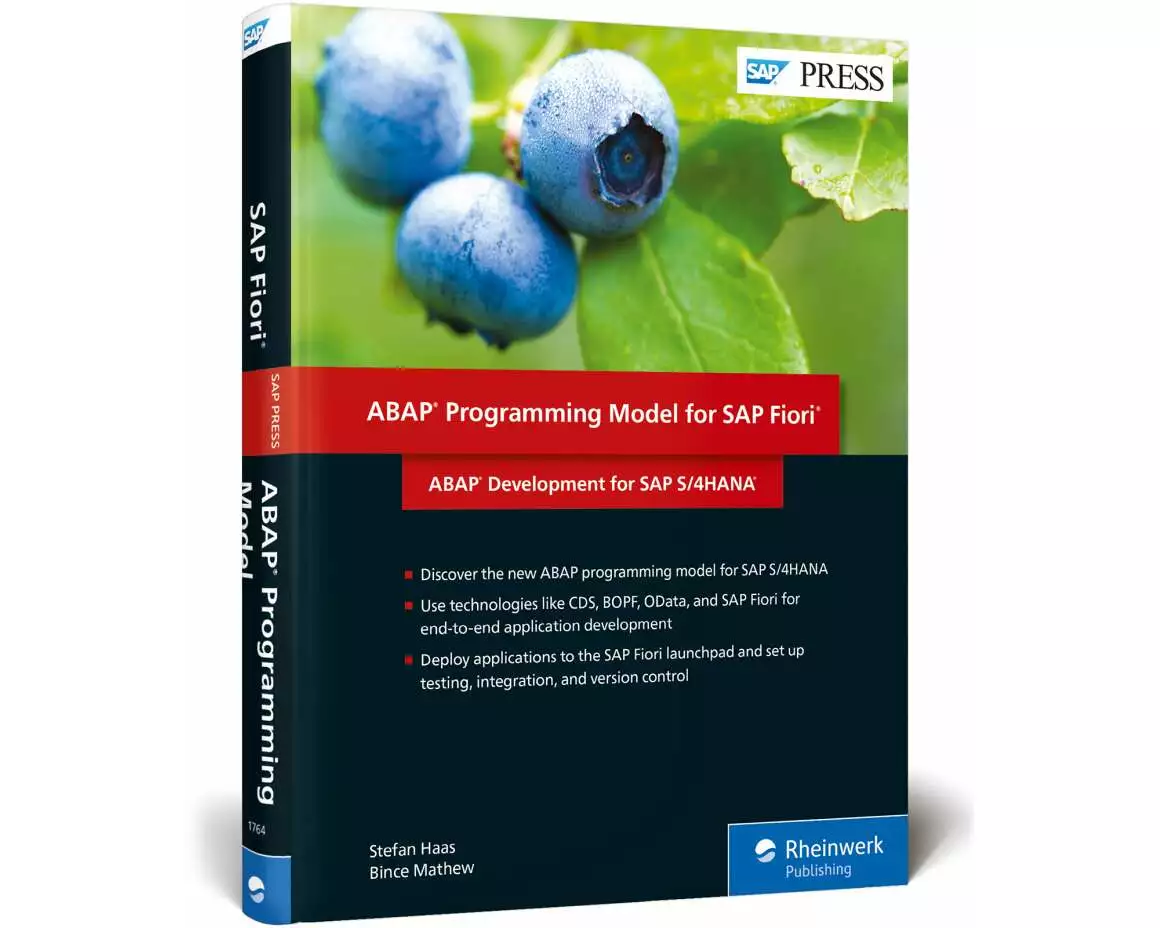
Auf Lager:1Buch (Hardcover): Fachbuch
ABAP Programming Model for SAP Fiori
ABAP Development for SAP S/4HANA
von Stefan Haas, Bince Mathew
- Verlag
- Rheinwerk
- Unsere Artikel-Nr.
- W8LKZPW
Beschreibung
Combine your skills in ABAP, SAP Fiori, core data services, and more to master the end-to-end development process for SAP S/4HANA applications. Learn to use the ABAP programming model for SAP Fiori to build applications from scratch, or use SAP Fiori elements to get a head start. Then, deploy your applications to SAP Fiori launchpad and get the best practices you need to operate applications post-development, including Git version control, application tests, and setting up an integration pipeline. a. Getting StartedGet the development foundation you need and master SAP S/4HANA architecture, SAP Fiori, design-led development strategies, and the ABAP programming model for SAP Fiori. b. End-to-End DevelopmentUse step-by-step instructions to develop in SAP S/4HANA using core data services, SAP Gateway, OData, service adaptation description language, and BOPF. Create list reports and object pages, overview pages, analytical list pages, freestyle applications, and more. c. Operating ApplicationsOnce your applications are developed and exported, get the best practices you need to operate them: Git version control, automated backend and frontend testing, and continuous integration for SAPUI5 and ABAP. 1) ABAP programming model for SAP Fiori2) SAP Fiori3) Git4) SAP Web IDE5) ABAP Test Cockpit6) Core data services (CDS)7) Business Object Processing Framework (BOPF)8) Service Adaptation Description Language (SADL)9) OData services10) SAP S/4HANA Cloud SDK.
Spezifikationen
| Sprache | Englisch |
|---|---|
| Autor | Stefan Haas, Bince Mathew |
| Thema | Softwareentwicklung: Programmiersprachen |
| Kollektion | SAP PRESS Englisch |
| Auflage | 1 |
| Erscheinungsjahr | 2018 |
| Erscheinungsland | Deutschland |
| Format | Buch (Hardcover) |
| Anzahl Seiten | 461 |
Inhaltsverzeichnis
... Preface ... 15
... Purpose of This Book ... 15
... Target Audience ... 16
... Structure of This Book ... 16
... Acknowledgments ... 18
PART I ... SAP S/4HANA and SAP Fiori ... 21
1 ... SAP S/4HANA Architecture ... 23
1.1 ... Core Architecture ... 23
1.2 ... Backend ... 29
1.3 ... User Experience ... 41
1.4 ... SAP S/4HANA Editions ... 42
1.5 ... SAP Cloud Platform ... 46
1.6 ... Summary ... 47
2 ... SAP Fiori and the Design-Led Development Process ... 49
2.1 ... What Is SAP Fiori? ... 49
2.2 ... Design-Led Development Process ... 62
2.3 ... Different SAP Fiori App Types ... 64
2.4 ... Prototyping Tools ... 77
2.5 ... Summary ... 94
3 ... ABAP Programing Model for SAP Fiori ... 95
3.1 ... Core Data Services ... 95
3.2 ... SAP Gateway ... 97
3.3 ... OData ... 99
3.4 ... Service Adaptation Description Language ... 109
3.5 ... Business Object Processing Framework ... 113
3.6 ... SAP Fiori ... 116
3.7 ... Summary ... 117
PART II ... Developing Applications for SAP S/4HANA ... 119
4 ... Developing an SAP Fiori Elements List Report and Object Page ... 121
4.1 ... Core Data Services Views ... 121
4.2 ... Transactional Processing with the Business Object Processing Framework ... 150
4.3 ... Virtual Elements in Core Data Services ... 160
4.4 ... Creating an OData Service ... 161
4.5 ... Adding User Interface Annotations ... 164
4.6 ... Generating a List Report Template in SAP Web IDE Full-Stack ... 177
4.7 ... Extending the User Interface ... 181
4.8 ... List Report Application versus Worklist Application ... 187
4.9 ... Summary ... 187
5 ... Developing an Overview Page ... 189
5.1 ... Core Data Services Views ... 189
5.2 ... Adding User Interface Annotations ... 199
5.3 ... Creating an OData Service ... 206
5.4 ... Exposing CDS Views as an OData Service ... 208
5.5 ... Generating an Overview Page Template Project in SAP Web IDE ... 210
5.6 ... Summary ... 225
6 ... Developing an Analytical List Page ... 227
6.1 ... Introduction ... 227
6.2 ... Building the Required CDS Views ... 227
6.3 ... Configuring the Title Area ... 232
6.4 ... Configuring the Filter Area ... 236
6.5 ... Configuring the Content Area ... 239
6.6 ... Combining All the UI Annotations in the Metadata Extension View ... 243
6.7 ... Generating an Analytical List Page from SAP Web IDE ... 247
6.8 ... Summary ... 259
7 ... Developing a Freestyle Application ... 261
7.1 ... Smart Controls ... 261
7.2 ... Application Development with the SAP Web IDE Full-Stack ... 270
7.3 ... Summary ... 295
8 ... Deploying Applications to the SAP Fiori Launchpad ... 297
8.1 ... Uploading a User Interface to the ABAP Frontend Server ... 297
8.2 ... SAP Fiori Launchpad Admin Page ... 304
8.3 ... Creating the Technical Catalog and Business Catalog ... 307
8.4 ... Creating the Application Tiles ... 309
8.5 ... Creating Groups for Application Tiles ... 320
8.6 ... Creating and Assigning a Transaction PFCG Role to Users ... 322
8.7 ... Setting Up Intent-Based Cross-Application Navigation from OVP to LRP ... 329
8.8 ... Summary ... 331
PART III ... Operating Applications ... 333
9 ... Version Control in SAP Web IDE Using Git ... 335
9.1 ... Git Introduction ... 335
9.2 ... Git Basics ... 335
9.3 ... Summary ... 360
10 ... Automated Testing ... 361
10.1 ... Backend Test Automation ... 363
10.2 ... Frontend Test Automation ... 380
10.3 ... End-to-End Test Automation Tools ... 386
10.4 ... Summary ... 390
11 ... Continuous Integration ... 393
11.1 ... Introduction ... 394
11.2 ... Setting Up a Continuous Integration Pipeline for SAPUI5 on the ABAP Server ... 397
11.3 ... Continuous Integration on the ABAP Server ... 414
11.4 ... Summary ... 421
... Appendices ... 423
A ... Developing Applications on the SAP Cloud Platform ... 423
B ... The Authors ... 453
... Index ... 455
... Purpose of This Book ... 15
... Target Audience ... 16
... Structure of This Book ... 16
... Acknowledgments ... 18
PART I ... SAP S/4HANA and SAP Fiori ... 21
1 ... SAP S/4HANA Architecture ... 23
1.1 ... Core Architecture ... 23
1.2 ... Backend ... 29
1.3 ... User Experience ... 41
1.4 ... SAP S/4HANA Editions ... 42
1.5 ... SAP Cloud Platform ... 46
1.6 ... Summary ... 47
2 ... SAP Fiori and the Design-Led Development Process ... 49
2.1 ... What Is SAP Fiori? ... 49
2.2 ... Design-Led Development Process ... 62
2.3 ... Different SAP Fiori App Types ... 64
2.4 ... Prototyping Tools ... 77
2.5 ... Summary ... 94
3 ... ABAP Programing Model for SAP Fiori ... 95
3.1 ... Core Data Services ... 95
3.2 ... SAP Gateway ... 97
3.3 ... OData ... 99
3.4 ... Service Adaptation Description Language ... 109
3.5 ... Business Object Processing Framework ... 113
3.6 ... SAP Fiori ... 116
3.7 ... Summary ... 117
PART II ... Developing Applications for SAP S/4HANA ... 119
4 ... Developing an SAP Fiori Elements List Report and Object Page ... 121
4.1 ... Core Data Services Views ... 121
4.2 ... Transactional Processing with the Business Object Processing Framework ... 150
4.3 ... Virtual Elements in Core Data Services ... 160
4.4 ... Creating an OData Service ... 161
4.5 ... Adding User Interface Annotations ... 164
4.6 ... Generating a List Report Template in SAP Web IDE Full-Stack ... 177
4.7 ... Extending the User Interface ... 181
4.8 ... List Report Application versus Worklist Application ... 187
4.9 ... Summary ... 187
5 ... Developing an Overview Page ... 189
5.1 ... Core Data Services Views ... 189
5.2 ... Adding User Interface Annotations ... 199
5.3 ... Creating an OData Service ... 206
5.4 ... Exposing CDS Views as an OData Service ... 208
5.5 ... Generating an Overview Page Template Project in SAP Web IDE ... 210
5.6 ... Summary ... 225
6 ... Developing an Analytical List Page ... 227
6.1 ... Introduction ... 227
6.2 ... Building the Required CDS Views ... 227
6.3 ... Configuring the Title Area ... 232
6.4 ... Configuring the Filter Area ... 236
6.5 ... Configuring the Content Area ... 239
6.6 ... Combining All the UI Annotations in the Metadata Extension View ... 243
6.7 ... Generating an Analytical List Page from SAP Web IDE ... 247
6.8 ... Summary ... 259
7 ... Developing a Freestyle Application ... 261
7.1 ... Smart Controls ... 261
7.2 ... Application Development with the SAP Web IDE Full-Stack ... 270
7.3 ... Summary ... 295
8 ... Deploying Applications to the SAP Fiori Launchpad ... 297
8.1 ... Uploading a User Interface to the ABAP Frontend Server ... 297
8.2 ... SAP Fiori Launchpad Admin Page ... 304
8.3 ... Creating the Technical Catalog and Business Catalog ... 307
8.4 ... Creating the Application Tiles ... 309
8.5 ... Creating Groups for Application Tiles ... 320
8.6 ... Creating and Assigning a Transaction PFCG Role to Users ... 322
8.7 ... Setting Up Intent-Based Cross-Application Navigation from OVP to LRP ... 329
8.8 ... Summary ... 331
PART III ... Operating Applications ... 333
9 ... Version Control in SAP Web IDE Using Git ... 335
9.1 ... Git Introduction ... 335
9.2 ... Git Basics ... 335
9.3 ... Summary ... 360
10 ... Automated Testing ... 361
10.1 ... Backend Test Automation ... 363
10.2 ... Frontend Test Automation ... 380
10.3 ... End-to-End Test Automation Tools ... 386
10.4 ... Summary ... 390
11 ... Continuous Integration ... 393
11.1 ... Introduction ... 394
11.2 ... Setting Up a Continuous Integration Pipeline for SAPUI5 on the ABAP Server ... 397
11.3 ... Continuous Integration on the ABAP Server ... 414
11.4 ... Summary ... 421
... Appendices ... 423
A ... Developing Applications on the SAP Cloud Platform ... 423
B ... The Authors ... 453
... Index ... 455
Bewertungen
Produkt bewertenFür dieses Produkt liegt noch keine Bewertung vor. Wenn Sie es gekauft haben, teilen Sie gerne Ihre Erfahrung.
Zahlungsarten


Rechnung (Einzahlungsschein mit QR-Code), Twint, Kreditkarte, PostFinance, Apple, Google oder Samsung Pay.
Versand
Kostenlos: Schweiz & Liechtenstein
Rückgabe
Kein Rückgaberecht
Bei diesem Produkt hat entweder der Hersteller/Verlag das Rückgaberecht ausgeschlossen oder eine Rückgabe ist aufgrund des Vertriebssystems nicht möglich.