✓ Schweizer Online-Shop
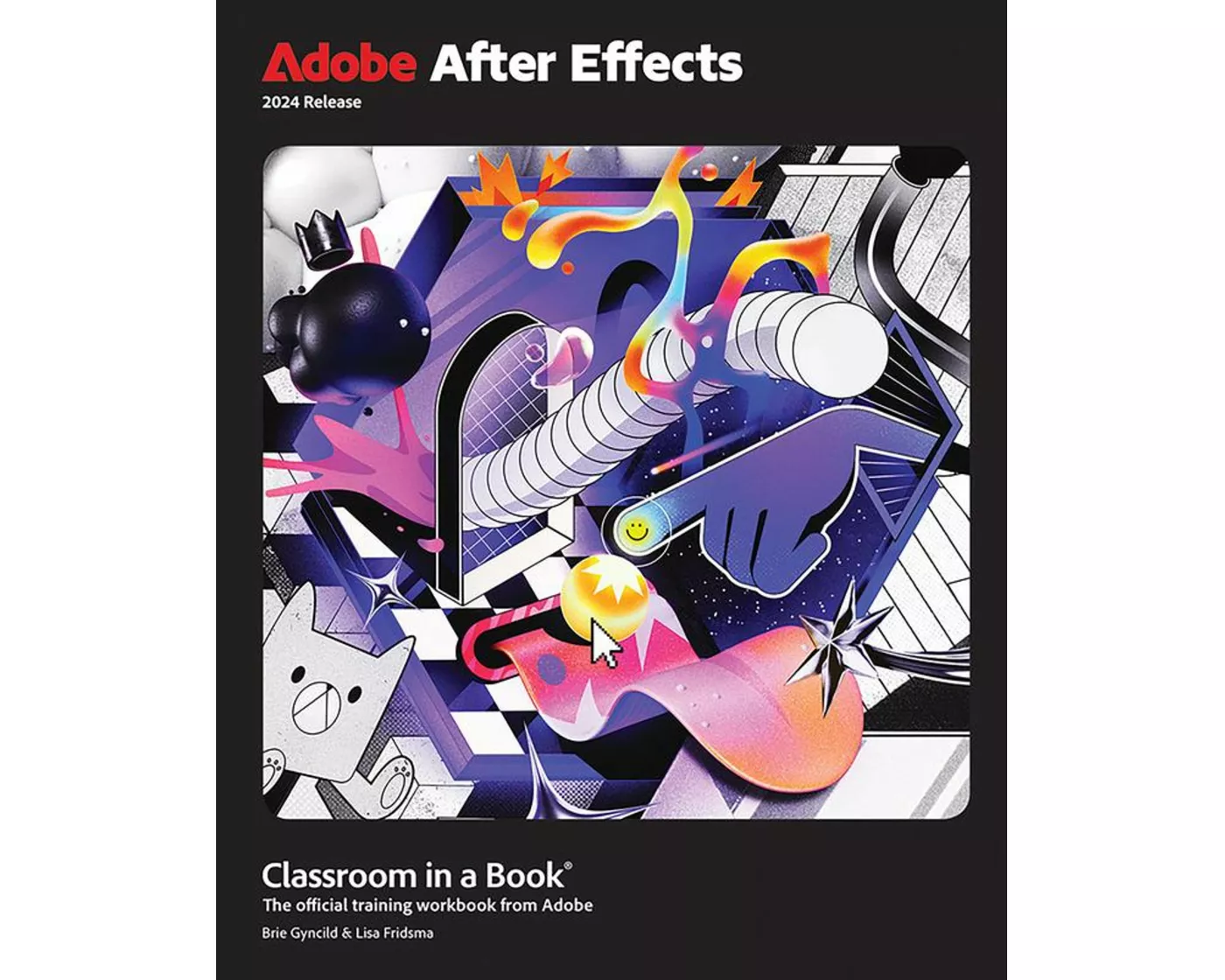
Adobe After Effects Classroom in a Book 2024 Release
Erhältlich:Nicht auf LagerBuch (Softcover): Fachbuch

Adobe After Effects Classroom in a Book 2024 Release

von Lisa Fridsma, Brie Gyncild

Verlag
Pearson
Unsere Artikel-Nr.
D9R3Z44

Beschreibung

The fastest, easiest, most comprehensive way to learn Adobe After Effects. Adobe After Effects Classroom in a Book. contains 15 lessons that use real-world, project-based learning to cover the basics and beyond, providing countless tips and techniques to help you become more productive with the program. For beginners and experienced users alike, you can follow the book from start to finish or choose only those lessons that interest you. Learn to:. Create, manipulate, and optimize motion graphics for film, video, the web, and mobile devices. Animate text and images, customize a wide range of effects, track and sync content, rotoscope, manipulate timing, correct color, and remove unwanted objects. Customize cameras, lighting, and 3D objects to create compelling 3D content. Design Motion Graphics templates for editing in Adobe Premiere Pro. Deform and animate objects and video using robust Puppet tools. Classroom in a Book®, the best-selling series of hands-on software training workbooks, offers what no other book or training program doesan official training series from Adobe, developed with the support of Adobe product experts. Purchasing this book includes valuable online extras. Follow the instructions in the book's "Getting Started" section to unlock access to:. Downloadable lesson files. you need to work through the projects in the book. Web Edition. containing the complete text of the book, interactive quizzes, and videos that walk you through the lessons step by step. What you need to use this book: Adobe After Effects 2024 Release software, for either Windows or macOS. (Software not included. ).

Spezifikationen

SpracheEnglisch
AutorLisa Fridsma, Brie Gyncild
Erscheinungsjahr2023
FormatBuch (Softcover)
Anzahl Seiten432

Inhaltsverzeichnis

Lesson 1 Getting to Know the Workflow

Lesson 2 Creating a Basic Animation Using Effects and Presets

Lesson 3 Animating Text

Lesson 4 Working with Shape Layers

Lesson 5 Animating a Multimedia Presentation

Lesson 6 Animating Layers

Lesson 7 Working with Masks

Lesson 8 Distorting Objects with The Puppet Tools

Lesson 9 Using the Roto Brush Tool

Lesson 10 Adjusting Color and Mood

Lesson 11 Creating Motion Graphics Templates

Lesson 12 Using 3d Features

Lesson 13 Working with the 3d Camera Tracker

Lesson 14 Advanced Editing Techniques

Lesson 15 Rendering and Outputting

Bewertungen

Produkt bewerten

Für dieses Produkt liegt noch keine Bewertung vor. Wenn Sie es gekauft haben, teilen Sie gerne Ihre Erfahrung.

Zahlungsarten

payment-einzahlungsscheinpayment-twintpayment-mastercardpayment-visapost-finance-paypayment-apple-paypayment-google-paysamsung-pay

Rechnung (Einzahlungsschein mit QR-Code), Twint, Kreditkarte, PostFinance, Apple, Google oder Samsung Pay.

Versand

Kostenlos: Schweiz & Liechtenstein

Rückgabe

30 Tage Rückgaberecht

Sie können das Produkt innerhalb von 30 Wochentagen ohne Angabe von Gründen zurücksenden, sofern es unbeschädigt und in der Originalverpackung ist.

Weitere Hinweise finden Sie in unseren AGB unter D.1.