
Erhältlich:Nicht auf LagerBuch (Softcover): Fachbuch
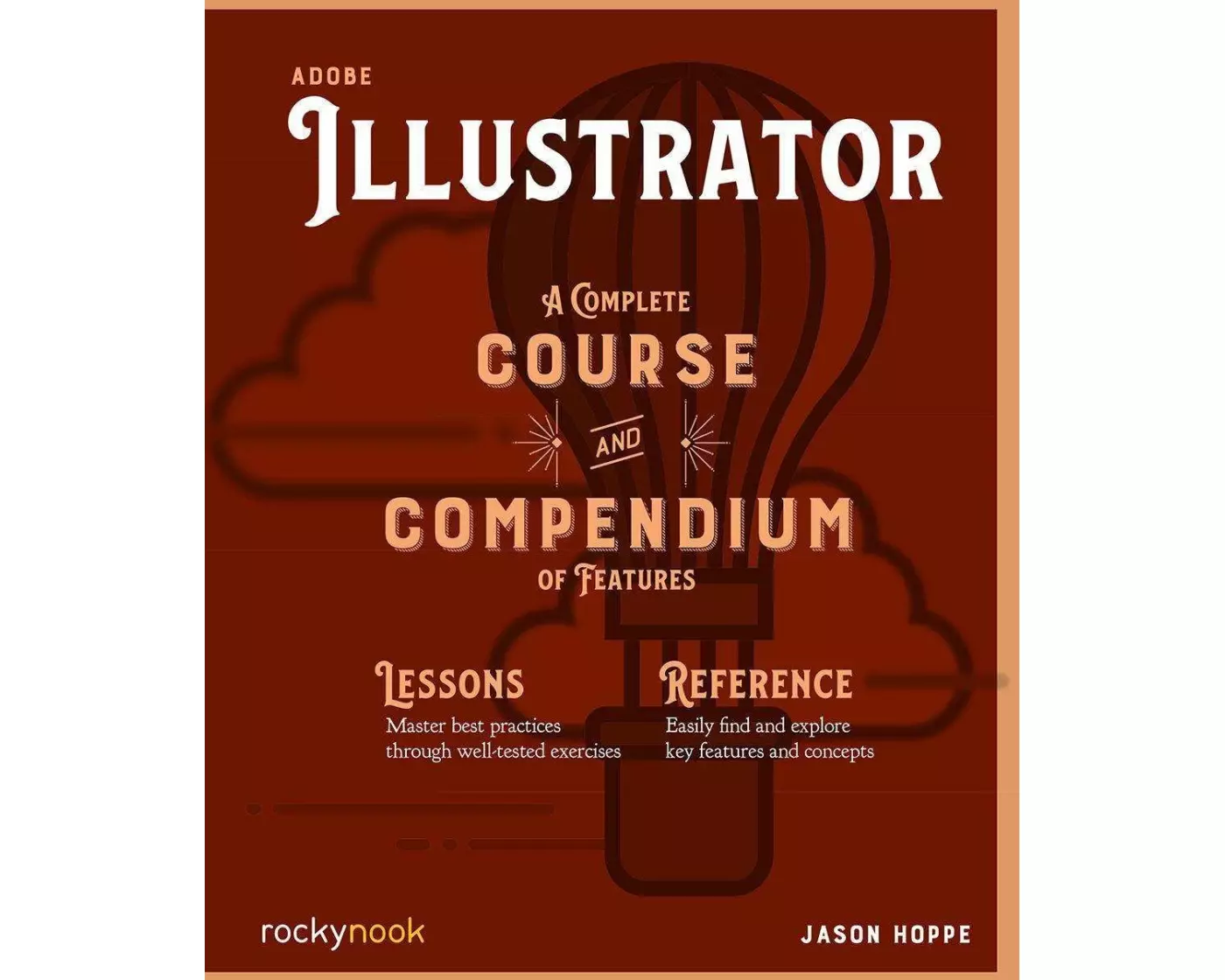
Adobe Illustrator CC A Complete Course and Compendium of Features
von Jason Hoppe
- Verlag
- Rocky Nook
- Unsere Artikel-Nr.
- YKNE78W
Beschreibung
A complete Course that includes a set of projects and lessons derived from Adobe Certified Instructor Jason Hoppe, you will learn the procedures needed to use Illustrator effectively and professionally. Adobe Illustrator: A Complete Course and Compendium of Features is your guide to building vector graphics, whether you're creating logos, icons, drawings, typography, or other illustrationsâEUR"and regardless of their destination: print, web, video, or mobile. Use the Compendium to uncover more of the "how" and "why" of Illustrator. With each topic easy to access, you can find and explore all of Illustrator's key features and concepts in depth. With cross references between the Course and Compendium, the two parts of the book complement each other perfectly. Best of all, when the lessons in the Course are done, the Compendium will continue to serve for months and years to come. Â
Spezifikationen
| Sprache | Englisch |
|---|---|
| Autor | Jason Hoppe |
| Erscheinungsjahr | 2019 |
| Format | Buch (Softcover) |
| Anzahl Seiten | 384 |
Inhaltsverzeichnis
TABLE OF CONTENTS
THE COURSE
Introduction
Chapter 1: Preparing a Solid Base: Some Suggestions
PROJECT: An Introduction to Illustrator
Chapter 2: Basic Shapes and Lines
PROJECT: Creating Basic Items
Chapter 3: Colors and Gradients
Chapter 4: Building Graphics
PROJECT: Build Weather Icons
Chapter 5: Creating & Editing Colors
PROJECT: Baked Goods
Chapter 6: Build Icons
PROJECT: Kitchen Icons
Chapter 7: Effects
PROJECT: Build a Sewn Patch Using Effects
Chapter 8: Output
Chapter 9: Big Build
PROJECT: Build Camping Gear/Outdoor Scene
THE COMPENDIUM
Chapter 1: Workspaces and Preferences
Chapter 2: Shape Creation
Chapter 3: Advanced Construction
Chapter 4: Editing and Transformations
Chapter 5: Effects and Graphic Styles
Chapter 6: Type and Text
Chapter 7: Working with Color
Chapter 8: Output
Appendix
THE COURSE
Introduction
Chapter 1: Preparing a Solid Base: Some Suggestions
PROJECT: An Introduction to Illustrator
Chapter 2: Basic Shapes and Lines
PROJECT: Creating Basic Items
Chapter 3: Colors and Gradients
Chapter 4: Building Graphics
PROJECT: Build Weather Icons
Chapter 5: Creating & Editing Colors
PROJECT: Baked Goods
Chapter 6: Build Icons
PROJECT: Kitchen Icons
Chapter 7: Effects
PROJECT: Build a Sewn Patch Using Effects
Chapter 8: Output
Chapter 9: Big Build
PROJECT: Build Camping Gear/Outdoor Scene
THE COMPENDIUM
Chapter 1: Workspaces and Preferences
Chapter 2: Shape Creation
Chapter 3: Advanced Construction
Chapter 4: Editing and Transformations
Chapter 5: Effects and Graphic Styles
Chapter 6: Type and Text
Chapter 7: Working with Color
Chapter 8: Output
Appendix
Bewertungen
Produkt bewertenFür dieses Produkt liegt noch keine Bewertung vor. Wenn Sie es gekauft haben, teilen Sie gerne Ihre Erfahrung.
Zahlungsarten


Rechnung (Einzahlungsschein mit QR-Code), Twint, Kreditkarte, PostFinance, Apple, Google oder Samsung Pay.
Versand
Kostenlos: Schweiz & Liechtenstein
Rückgabe
30 Tage Rückgaberecht
Sie können das Produkt innerhalb von 30 Wochentagen ohne Angabe von Gründen zurücksenden, sofern es unbeschädigt und in der Originalverpackung ist.
Weitere Hinweise finden Sie in unseren AGB unter D.1.