
Erhältlich:Nicht auf LagerBuch (Softcover): Fachbuch
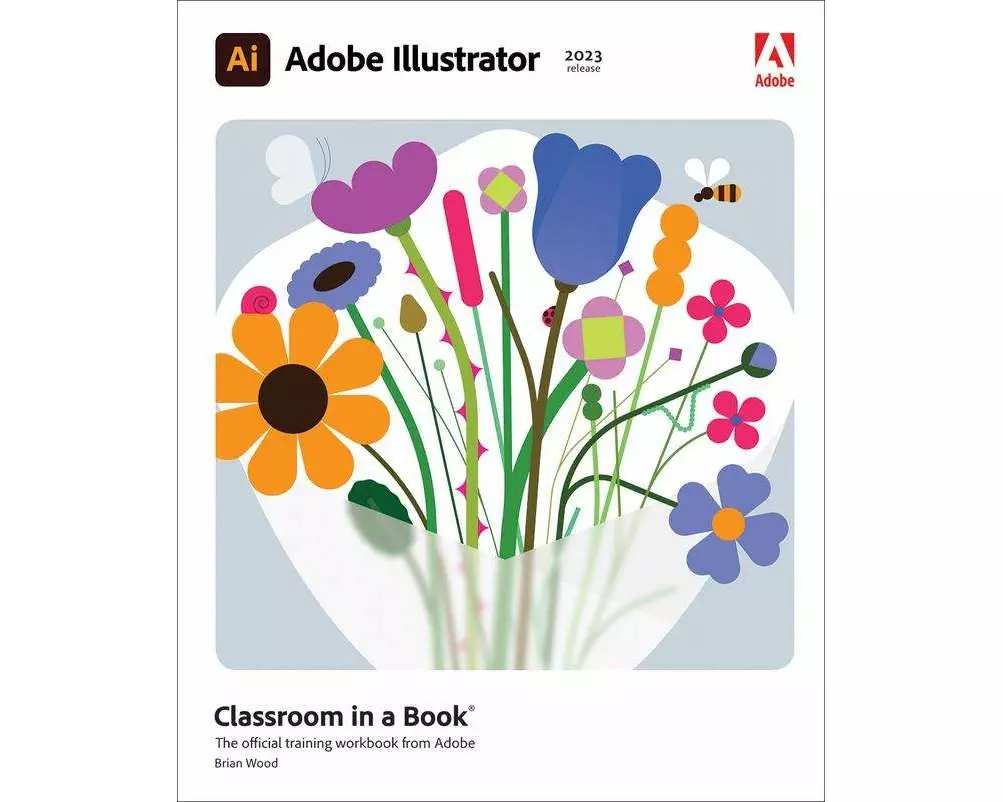
Adobe Illustrator Classroom in a Book (2023 Release)
von Brian Wood
- Verlag
- Pearson
- Unsere Artikel-Nr.
- K92VYGD
Beschreibung
Build valuable graphic art skills and create digital artwork using Adobe Illustrator Adobe Illustrator Classroom in a Book (2023 release) uses real-world, project-based learning to cover the basics and beyond, providing countless tips and techniques to help you become more productive with the program. For beginners and experienced users alike, you can follow the book from start to finish or choose only those lessons that interest you. Learn to: Create artwork, from precise drawings to stylistic paintingsMake logos, illustrations, posters, podcast covers, flyers, and moreExplore selections, shapes, and colorProgress to freeform gradients and layersWork with dynamic symbols, artistic brushes, and creative effectsEfficiently export assets for the web, print, and more Classroom in a Book®, the best-selling series of hands-on software training workbooks, offers what no other book or training program does‿an official training series from Adobe, developed with the support of Adobe product experts. Purchasing this book includes valuable online extras. Follow the instructions in the book's "Getting Started" section to unlock access to: Downloadable lesson files you need to work through the projects in the bookWeb Edition containing the complete text of the book, interactive quizzes, and videos that walk you through the lessons step by step What you need to use this book: Adobe Illustrator (2023 release) software, for either Windows or macOS. (Software not included. ) Note: Classroom in a Book does not replace the documentation, support, updates, or any other benefits of being a registered owner of Adobe Illustrator software. This book covers Illustrator on desktop only. It does not address Illustrator on the iPad.
Spezifikationen
| Sprache | Englisch |
|---|---|
| Autor | Brian Wood |
| Erscheinungsjahr | 2022 |
| Format | Buch (Softcover) |
| Anzahl Seiten | 480 |
Inhaltsverzeichnis
Getting StartedWhat's New in Adobe Illustrator (2023 Release) A Quick Tour of Adobe Illustrator (2023 Release) 1 Getting to Know the Work Area2 Techniques for Selecting Artwork3 Make a Logo with Shapes4 Editing and Combining Shapes and Paths5 Transforming Artwork6 Using the Basic Drawing Tools7 Drawing with the Pen Tool8 Using Color to Enhance Artwork9 Adding Type to a Project10 Organizing Your Artwork with Layers11 Gradients, Blends, and Patterns12 Using Brushes to Create an Ad13 Exploring Creative Uses of Effects and Graphic Styles14 Creating Artwork for a T-Shirt15 Placing and Working with Images16 Sharing Projects
Bewertungen
Produkt bewertenFür dieses Produkt liegt noch keine Bewertung vor. Wenn Sie es gekauft haben, teilen Sie gerne Ihre Erfahrung.
Zahlungsarten


Rechnung (Einzahlungsschein mit QR-Code), Twint, Kreditkarte, PostFinance, Apple, Google oder Samsung Pay.
Versand
Kostenlos: Schweiz & Liechtenstein
Rückgabe
30 Tage Rückgaberecht
Sie können das Produkt innerhalb von 30 Wochentagen ohne Angabe von Gründen zurücksenden, sofern es unbeschädigt und in der Originalverpackung ist.
Weitere Hinweise finden Sie in unseren AGB unter D.1.