
Erhältlich:Nicht auf LagerBuch (Softcover): Fachbuch
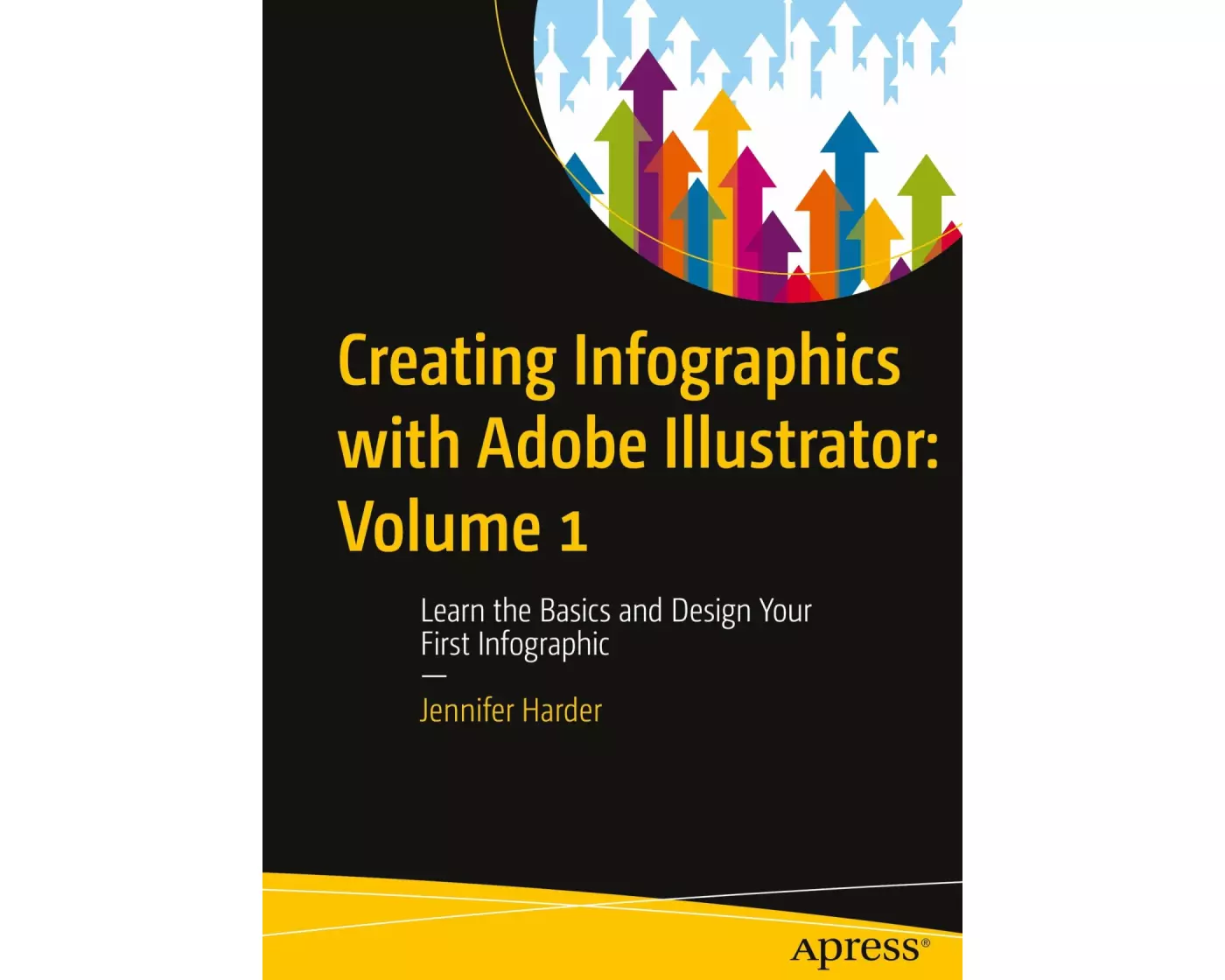
Creating Infographics with Adobe Illustrator: Volume 1
Learn the Basics and Design Your First Infographic
von Jennifer Harder
- Verlag
- APRESS
- Unsere Artikel-Nr.
- WVP28N9
Beschreibung
This full-color book will teach you how to use Adobe Illustrator's various tools to create infographics, as well as basic page layouts for them. This is the first of three volumes which will cover all the fundamentals of Illustrator, an industry standard application used by graphic designers and marketing and communication teams. How is an infographic different from a logo or any other illustration. What additional thought processes, skills, or software tools should be utilized to create an infographic. In this first volume of Illustrator Basics, you will learn the answers to all these questions. Author Jennifer Harder will walk you through creating basic infographics in Illustrator using Basic Shape tools, Pen Tools, Type Tools, and Symbols. Upon completing this volume, you will have an appreciation for how easy it is to design an infographic and discover how rudimentary shapes and colors can affect readability while conveying meaningto your audience. You will be able to use this knowledge to create your own infographics using Illustrator’s wide array of tools. Who This Book Is For. Discover the tools within Illustrator that are ideal for creating basic infographics. Develop a logo based upon a scanned sketch. Gain an understanding of different infographic layouts and the process of reviewing them with your client. Who This Book Is For. Beginner-level designers and others who are interested in learning the process of creating infographics for their company, the classroom, for a visual resume, an article in a magazine, or a webpage.
Spezifikationen
| Sprache | Englisch |
|---|---|
| Autor | Jennifer Harder |
| Erscheinungsjahr | 2023 |
| Erscheinungsland | USA |
| Format | Buch (Softcover) |
| Anzahl Seiten | 524 |
Inhaltsverzeichnis
Chapter 1: What are Infographics?.- Chapter 2: Preparation for Creating a Logo and Infographics.- Chapter 3: Scanner Basics.- Chapter 4: Setting Up Your Workspace.- Chapter 5: Working with Artboards andSaving Files.- Chapter 6: A Basic Review of Illustrator’s Shape Tools.- Chapter 7: A Basic Review of Illustrator’s Pen Tools.- Chapter 8: Working with Illustrator’sLayers and additional Drawing and Type Tools .- Chapter 9: Creating your first Infographic Projects.
Bewertungen
Produkt bewertenFür dieses Produkt liegt noch keine Bewertung vor. Wenn Sie es gekauft haben, teilen Sie gerne Ihre Erfahrung.
Zahlungsarten


Rechnung (Einzahlungsschein mit QR-Code), Twint, Kreditkarte, PostFinance, Apple, Google oder Samsung Pay.
Versand
Kostenlos: Schweiz & Liechtenstein
Rückgabe
30 Tage Rückgaberecht
Sie können das Produkt innerhalb von 30 Wochentagen ohne Angabe von Gründen zurücksenden, sofern es unbeschädigt und in der Originalverpackung ist.
Weitere Hinweise finden Sie in unseren AGB unter D.1.