
Erhältlich:Nicht auf LagerBuch (Softcover): Fachbuch
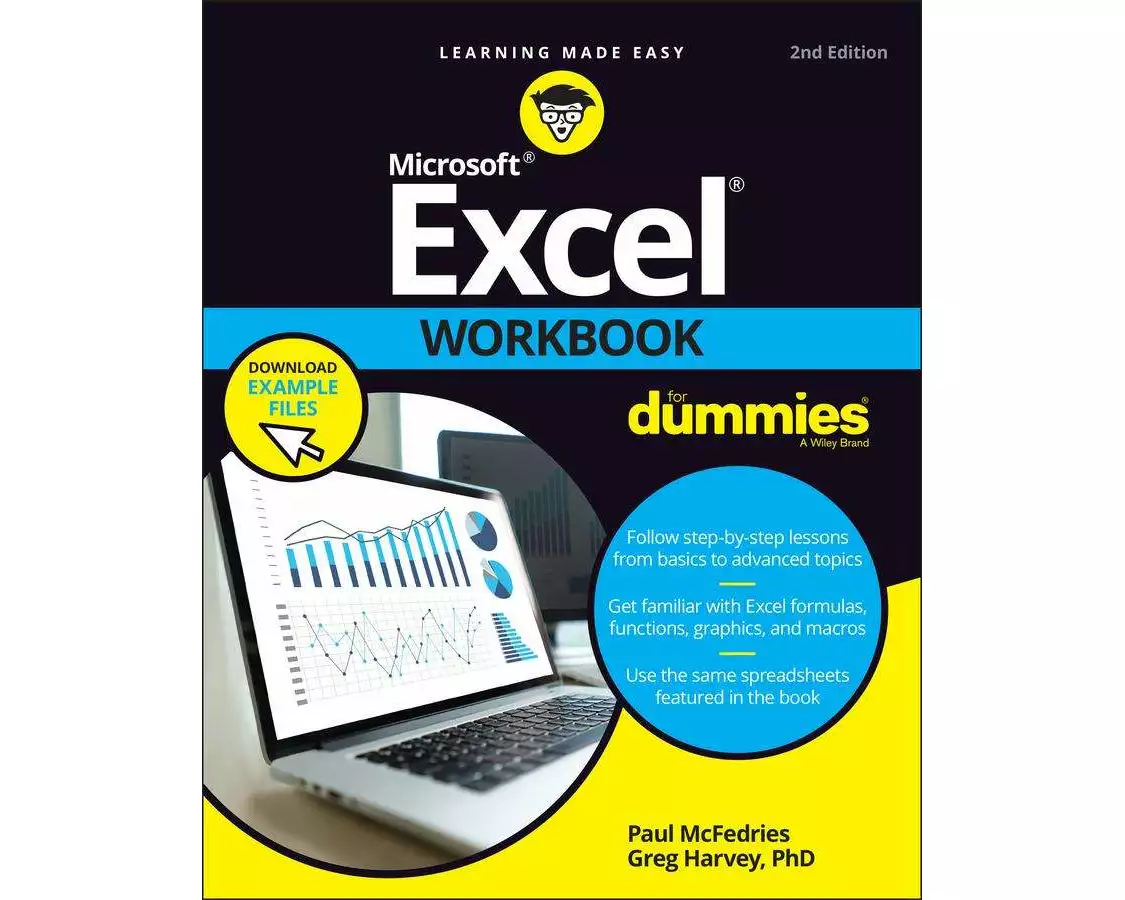
Excel Workbook For Dummies
von Paul McFedries, Greg Harvey
- Verlag
- John Wiley & Sons
- Unsere Artikel-Nr.
- Y2PPKZN
Beschreibung
Get practical walkthroughs for the most useful Excel features Looking for easy-to-understand, practical guidance on how to go from Excel newbie to number crunching pro. Excel Workbook For Dummies is the hands-on tutorial you've been waiting for. This step-by-step guide is packed with exercises that walk you through the basic and advanced functions and formulas included in Excel. At your own speed, you'll learn how to enter data, format your spreadsheet, and apply the mathematical and statistical capabilities of the program. Work through the book from start to finish or, if you'd prefer, jump right to the section that's giving you trouble, whether that's data visualization, macros, analysis, or anything else. You can also: Brush up on and practice time-saving keyboard shortcuts for popular commands and actions Get a handle on multi-functional and practical pivot tables with intuitive practice exercises Learn to secure your data with spreadsheet password protections Perfect for new users of Excel, Excel Workbook For Dummies is also the ideal resource for those who know their way around a spreadsheet but need a refresher on some of the more advanced features of this powerful program.
Spezifikationen
| Sprache | Englisch |
|---|---|
| Autor | Paul McFedries, Greg Harvey |
| Erscheinungsjahr | 2022 |
| Format | Buch (Softcover) |
| Anzahl Seiten | 384 |
Inhaltsverzeichnis
Introduction 1
Part 1: Building Worksheets 5
Chapter 1: Getting Familiar with the Excel Interface 7
Chapter 2: Entering the Worksheet Data 21
Chapter 3: Formatting the Worksheet 37
Chapter 4: Printing Worksheet Reports 59
Chapter 5: Modifying the Worksheet 79
Part 2: Using Formulas and Functions 101
Chapter 6: Building Formulas 103
Chapter 7: Copying and Correcting Formulas 123
Chapter 8: Creating Date and Time Formulas 145
Chapter 9: Financial Formulas and Functions 155
Chapter 10: Using Math Functions 167
Chapter 11: Using Common Statistical Functions 179
Chapter 12: Using Lookup Functions 187
Chapter 13: Using Logical Functions 197
Chapter 14: Text Formulas and Functions 209
Part 3: Working with Graphics 217
Chapter 15: Charting Worksheet Data 219
Chapter 16: Adding Graphics to Worksheets 231
Part 4: Managing and Securing Data 249
Chapter 17: Building and Maintaining Tables 251
Chapter 18: Protecting Workbooks and Worksheet Data 271
Part 5: Doing Data Analysis 283
Chapter 19: Performing What-If Analysis 285
Chapter 20: Generating PivotTables 299
Part 6: Macros and Visual Basic for Applications 315
Chapter 21: Using Macros 317
Chapter 22: Using the Visual Basic Editor 327
Part 7: The Part of Tens 341
Chapter 23: Top Ten Features in Excel 343
Chapter 24: Top Ten Tips for Using Excel Like a Pro 347
Index 355
Bewertungen
Produkt bewertenFür dieses Produkt liegt noch keine Bewertung vor. Wenn Sie es gekauft haben, teilen Sie gerne Ihre Erfahrung.
Zahlungsarten


Rechnung (Einzahlungsschein mit QR-Code), Twint, Kreditkarte, PostFinance, Apple, Google oder Samsung Pay.
Versand
Kostenlos: Schweiz & Liechtenstein
Rückgabe
30 Tage Rückgaberecht
Sie können das Produkt innerhalb von 30 Wochentagen ohne Angabe von Gründen zurücksenden, sofern es unbeschädigt und in der Originalverpackung ist.
Weitere Hinweise finden Sie in unseren AGB unter D.1.