
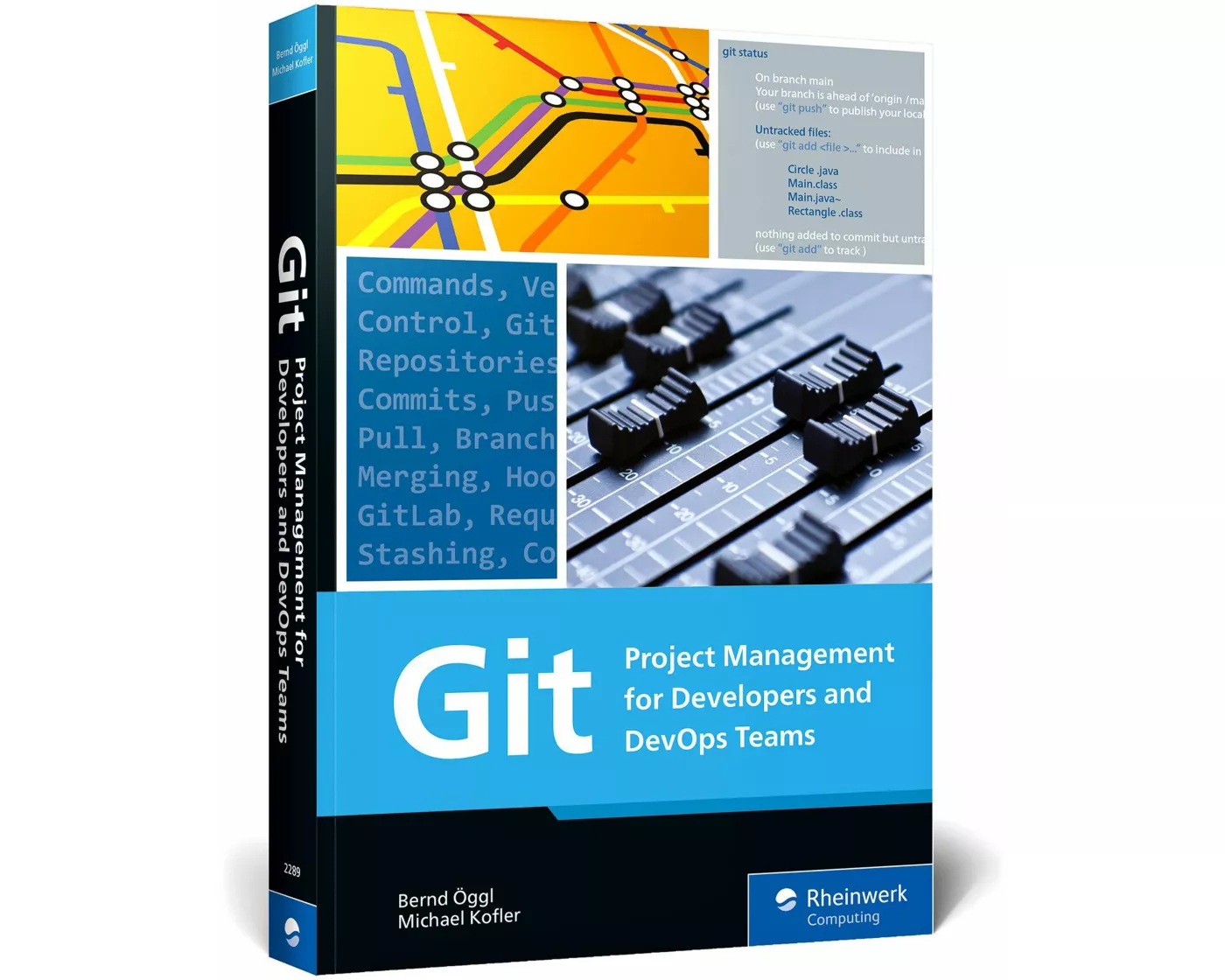
von Bernd Öggl, Michael Kofler
- Verlag
- Rheinwerk Publishing
- Unsere Artikel-Nr.
- 8D5E37Q
Beschreibung
Get started with Git—today. Walk through installation and explore the variety of development environments available. Understand the concepts that underpin Git’s workflows, from branching to commits, and see how to use major platforms, like GitHub. Learn the ins and outs of working with Git for day-to-day development. Get your versioning under control. Highlights: Installation Development environments Repositories Commits Branches Merging Hooks GitHub GitLab Workflows Best practices Command reference
Spezifikationen
| Sprache | Englisch |
|---|---|
| Autor | Bernd Öggl, Michael Kofler |
| Auflage | 1 |
| Erscheinungsjahr | 2023 |
| Erscheinungsland | Deutschland |
| Format | Buch (Softcover) |
| Detailformat | Softcover |
| Anzahl Seiten | 407 |
Inhaltsverzeichnis
... Preface ... 19
... The Story of Git ... 19
... Everyone Uses It, but No One Understands It ... 20
... About This Book ... 20
... A Note to Readers ... 22
1 ... Git in Ten Minutes ... 23
1.1 ... What Is Git? ... 23
1.2 ... Downloading Software from GitHub ... 25
1.3 ... Learning to Program with Git Support ... 27
2 ... Learning by Doing ... 31
2.1 ... Installing the git Command ... 31
2.2 ... Setting Up a GitHub Account and Repositories ... 38
2.3 ... Using the git Command ... 43
2.4 ... Authentication ... 56
2.5 ... Learning Git in a Playful Way (Githug) ... 66
2.6 ... IDEs and Editors ... 68
2.7 ... Contributing to a Third-Party GitHub Project ... 76
2.8 ... Synchronization and Backups ... 78
3 ... Basic Principles of Git ... 81
3.1 ... Terminology ... 81
3.2 ... The Git Database ... 85
3.3 ... Commits ... 89
3.4 ... Commit-Undo ... 96
3.5 ... Branches ... 104
3.6 ... Merging ... 110
3.7 ... Stashing ... 117
3.8 ... Remote Repositories ... 118
3.9 ... Resolving Merge Conflicts ... 129
3.10 ... Rebasing ... 135
3.11 ... Tags ... 141
3.12 ... References to Commits ... 145
3.13 ... Internal Details of Git ... 150
4 ... Data Analysis in the Git Repository ... 153
4.1 ... Searching Commits (git log) ... 153
4.2 ... Searching Files ... 163
4.3 ... Searching for Errors (git bisect) ... 169
4.4 ... Statistics and Visualization ... 170
5 ... GitHub ... 175
5.1 ... Pull Requests ... 176
5.2 ... Actions ... 180
5.3 ... Package Manager (GitHub Packages) ... 188
5.4 ... Automatic Security Scans ... 193
5.5 ... Other GitHub Features ... 197
5.6 ... GitHub Command-Line Interface ... 202
5.7 ... Codespaces ... 206
6 ... GitLab ... 209
6.1 ... On-Premise versus Cloud ... 210
6.2 ... Installation ... 211
6.3 ... The First Project ... 218
6.4 ... Pipelines ... 220
6.5 ... Merge Requests ... 229
6.6 ... Web IDE ... 232
6.7 ... Gitpod ... 233
7 ... Azure DevOps, Bitbucket, Gitea, and Gitolite ... 237
7.1 ... Azure DevOps ... 237
7.2 ... Bitbucket ... 242
7.3 ... Gitea ... 244
7.4 ... Gitolite ... 255
8 ... Workflows ... 259
8.1 ... Instructions for the Team ... 259
8.2 ... Solo Development ... 260
8.3 ... Feature Branches for Teams ... 262
8.4 ... Merge/Pull Requests ... 269
8.5 ... Long-Running Branches: Gitflow ... 272
8.6 ... Trunk-Based Development ... 277
8.7 ... Which Workflow Is the Right One? ... 280
9 ... Working Techniques ... 283
9.1 ... Hooks ... 283
9.2 ... Concise Commit Messages ... 288
9.3 ... Submodules and Subtrees ... 295
9.4 ... Bash and Zsh ... 305
9.5 ... Two-Factor Authentication ... 307
10 ... Git in Real Life ... 313
10.1 ... Etckeeper ... 313
10.2 ... Managing Dotfiles with Git ... 316
10.3 ... Accessing Apache Subversion (git-svn) ... 323
10.4 ... Migrating from Apache Subversion to Git ... 327
10.5 ... Blog with Git and Hugo ... 331
11 ... Git Problems and Their Solutions ... 343
11.1 ... Git Error Messages (Root Cause and Solution) ... 343
11.2 ... Saving Empty Directories ... 350
11.3 ... Merge for a Single File ... 350
11.4 ... Deleting Files Permanently from Git ... 351
11.5 ... Splitting a Project ... 359
11.6 ... Moving Commits to a Different Branch ... 359
12 ... Command Reference ... 363
12.1 ... The git Command ... 363
12.2 ... Revision Syntax ... 392
12.3 ... git Configuration ... 393
... The Authors ... 399
... Index ... 401
... The Story of Git ... 19
... Everyone Uses It, but No One Understands It ... 20
... About This Book ... 20
... A Note to Readers ... 22
1 ... Git in Ten Minutes ... 23
1.1 ... What Is Git? ... 23
1.2 ... Downloading Software from GitHub ... 25
1.3 ... Learning to Program with Git Support ... 27
2 ... Learning by Doing ... 31
2.1 ... Installing the git Command ... 31
2.2 ... Setting Up a GitHub Account and Repositories ... 38
2.3 ... Using the git Command ... 43
2.4 ... Authentication ... 56
2.5 ... Learning Git in a Playful Way (Githug) ... 66
2.6 ... IDEs and Editors ... 68
2.7 ... Contributing to a Third-Party GitHub Project ... 76
2.8 ... Synchronization and Backups ... 78
3 ... Basic Principles of Git ... 81
3.1 ... Terminology ... 81
3.2 ... The Git Database ... 85
3.3 ... Commits ... 89
3.4 ... Commit-Undo ... 96
3.5 ... Branches ... 104
3.6 ... Merging ... 110
3.7 ... Stashing ... 117
3.8 ... Remote Repositories ... 118
3.9 ... Resolving Merge Conflicts ... 129
3.10 ... Rebasing ... 135
3.11 ... Tags ... 141
3.12 ... References to Commits ... 145
3.13 ... Internal Details of Git ... 150
4 ... Data Analysis in the Git Repository ... 153
4.1 ... Searching Commits (git log) ... 153
4.2 ... Searching Files ... 163
4.3 ... Searching for Errors (git bisect) ... 169
4.4 ... Statistics and Visualization ... 170
5 ... GitHub ... 175
5.1 ... Pull Requests ... 176
5.2 ... Actions ... 180
5.3 ... Package Manager (GitHub Packages) ... 188
5.4 ... Automatic Security Scans ... 193
5.5 ... Other GitHub Features ... 197
5.6 ... GitHub Command-Line Interface ... 202
5.7 ... Codespaces ... 206
6 ... GitLab ... 209
6.1 ... On-Premise versus Cloud ... 210
6.2 ... Installation ... 211
6.3 ... The First Project ... 218
6.4 ... Pipelines ... 220
6.5 ... Merge Requests ... 229
6.6 ... Web IDE ... 232
6.7 ... Gitpod ... 233
7 ... Azure DevOps, Bitbucket, Gitea, and Gitolite ... 237
7.1 ... Azure DevOps ... 237
7.2 ... Bitbucket ... 242
7.3 ... Gitea ... 244
7.4 ... Gitolite ... 255
8 ... Workflows ... 259
8.1 ... Instructions for the Team ... 259
8.2 ... Solo Development ... 260
8.3 ... Feature Branches for Teams ... 262
8.4 ... Merge/Pull Requests ... 269
8.5 ... Long-Running Branches: Gitflow ... 272
8.6 ... Trunk-Based Development ... 277
8.7 ... Which Workflow Is the Right One? ... 280
9 ... Working Techniques ... 283
9.1 ... Hooks ... 283
9.2 ... Concise Commit Messages ... 288
9.3 ... Submodules and Subtrees ... 295
9.4 ... Bash and Zsh ... 305
9.5 ... Two-Factor Authentication ... 307
10 ... Git in Real Life ... 313
10.1 ... Etckeeper ... 313
10.2 ... Managing Dotfiles with Git ... 316
10.3 ... Accessing Apache Subversion (git-svn) ... 323
10.4 ... Migrating from Apache Subversion to Git ... 327
10.5 ... Blog with Git and Hugo ... 331
11 ... Git Problems and Their Solutions ... 343
11.1 ... Git Error Messages (Root Cause and Solution) ... 343
11.2 ... Saving Empty Directories ... 350
11.3 ... Merge for a Single File ... 350
11.4 ... Deleting Files Permanently from Git ... 351
11.5 ... Splitting a Project ... 359
11.6 ... Moving Commits to a Different Branch ... 359
12 ... Command Reference ... 363
12.1 ... The git Command ... 363
12.2 ... Revision Syntax ... 392
12.3 ... git Configuration ... 393
... The Authors ... 399
... Index ... 401
Bewertungen
Produkt bewertenFür dieses Produkt liegt noch keine Bewertung vor. Wenn Sie es gekauft haben, teilen Sie gerne Ihre Erfahrung.
Zahlungsarten


Rechnung (Einzahlungsschein mit QR-Code), Twint, Kreditkarte, PostFinance, Apple, Google oder Samsung Pay.
Versand
Kostenlos: Schweiz & Liechtenstein
Rückgabe
Kein Rückgaberecht
Bei diesem Produkt hat entweder der Hersteller/Verlag das Rückgaberecht ausgeschlossen oder eine Rückgabe ist aufgrund des Vertriebssystems nicht möglich.