
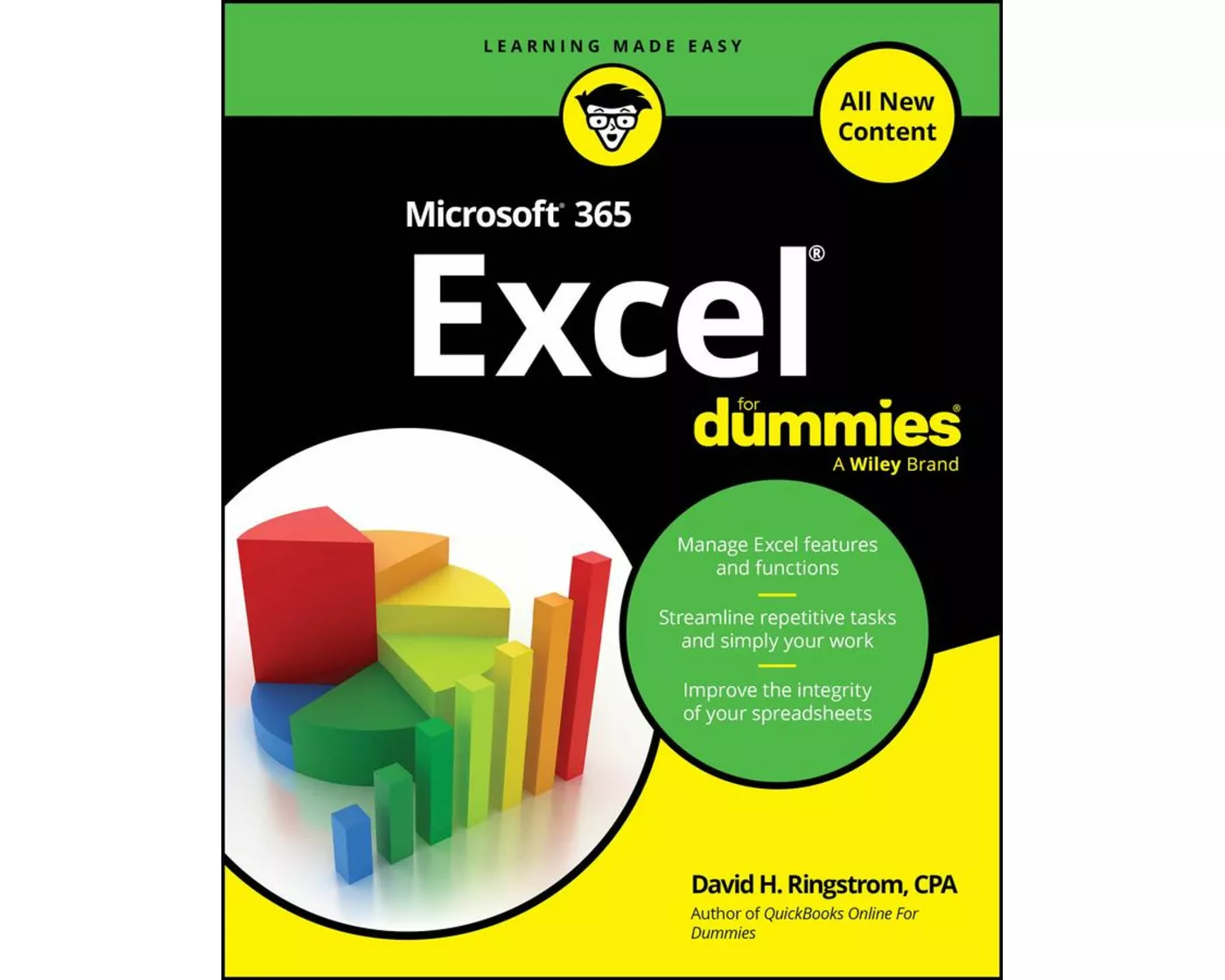
Microsoft 365 Excel For Dummies
- Verlag
- John Wiley & Sons
- Unsere Artikel-Nr.
- 2R87EZ3
Beschreibung
Spezifikationen
| Sprache | Englisch |
|---|---|
| Autor | David H. Ringstrom |
| Erscheinungsjahr | 2025 |
| Format | Buch (Softcover) |
| Anzahl Seiten | 464 |
Inhaltsverzeichnis
Introduction 1
Part 1: Explaining Excel Fundamentals 7
Chapter 1: Getting Started with Spreadsheets 9
Chapter 2: Carrying Out Basic Calculations 37
Chapter 3: Formatting Cells and Worksheets 61
Chapter 4: Sifting Through Data. 93
Chapter 5: Tackling Tables 115
Part 2: Mastering Formulas and Functions 135
Chapter 6: Leveraging Lookup Formulas 137
Chapter 7: Transforming Text and Numbers 163
Chapter 8: Harnessing Logic Functions 191
Chapter 9: Carving Data with Dynamic Arrays 219
Chapter 10: Tracing and Debugging Formulas 239
Part 3: Expanding Beyond the Basics. 259
Chapter 11: Navigating Through Worksheets and Workbooks 261
Chapter 12: Visualizing and Summarizing Data. 281
Chapter 13: Contemplating Conditional Formatting 311
Chapter 14: User-Proofing Excel Spreadsheets 339
Part 4: Automating Analysis 365
Chapter 15: Accessing Artificial Intelligence 367
Chapter 16: Recording Macros 379
Part 5: The Part of Tens 407
Chapter 17: Ten Timesaving Keyboard Shortcuts 409
Chapter 18: Ten Disaster Recovery Techniques 417
Index 431
Bewertungen
Produkt bewertenFür dieses Produkt liegt noch keine Bewertung vor. Wenn Sie es gekauft haben, teilen Sie gerne Ihre Erfahrung.
Zahlungsarten


Rechnung (Einzahlungsschein mit QR-Code), Twint, Kreditkarte, PostFinance, Apple, Google oder Samsung Pay.
Versand
Kostenlos: Schweiz & Liechtenstein
Rückgabe
30 Tage Rückgaberecht
Sie können das Produkt innerhalb von 30 Wochentagen ohne Angabe von Gründen zurücksenden, sofern es unbeschädigt und in der Originalverpackung ist.
Weitere Hinweise finden Sie in unseren AGB unter D.1.