
Auf Lager:4Buch (Softcover): Fachbuch
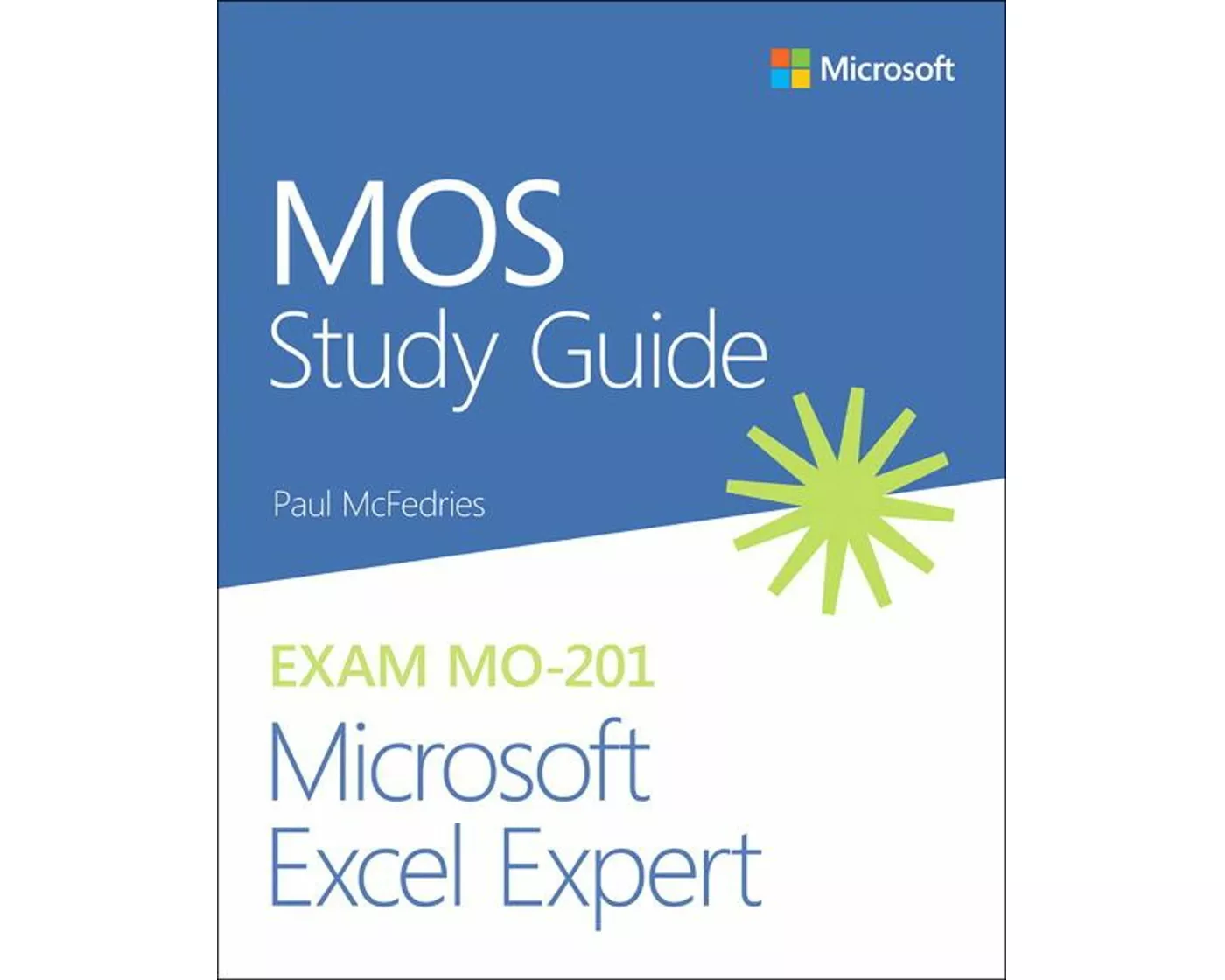
MOS Study Guide for Microsoft Excel Expert Exam MO-201
von Paul McFedries
- Verlag
- Pearson
- Unsere Artikel-Nr.
- NRZKE3D
Beschreibung
Advance your expert-level proficiency with Excel. And earn the credential that proves it. Demonstrate your expert-level competency with Microsoft Excel. Designed to help you practice and prepare for Microsoft Office Specialist: Microsoft Excel Expert (Excel and Excel 2019) certification, this official Study Guide delivers:. In-depth preparation for each MOS objective. Detailed procedures to help build the skills measured by the exam. Hands-on tasks to practice what you’ve learned. Ready-made practice files. Sharpen the skills measured by these objectives:. Manage Workbook Options and Settings. Manage and Format Data. Create Advanced Formulas and Macros. Manage Advanced Charts and Tables. About the MOS: Expert Certification. A Microsoft Office Specialist (MOS): Expert certification validates your hands-on experience and competency with an Office product at an expert level. It demonstrates that you can apply the product’s principal features at an advanced level, can complete expert tasks independently, and are ready to enter the job market. See full details at: microsoft. com/learn. Practice Files. Available at: MicrosoftPressStore. com/ MOSExcelExpert201/downloads.
Spezifikationen
| Sprache | Englisch |
|---|---|
| Autor | Paul McFedries |
| Erscheinungsjahr | 2020 |
| Format | Buch (Softcover) |
| Anzahl Seiten | 192 |
Inhaltsverzeichnis
- Chapter 1 – Manage workbook options and settings
- Objective 1.1: Manage workbooks
- Objective 1.2: Prepare workbooks for collaboration
- Objective 1.3: Use and configure language options
- Chapter 2 – Manage and format data
- Objective 2.1: Fill cells based on existing data
- Objective 2.2: Format and validate data
- Objective 2.3: Apply advanced conditional formatting and filtering
- Chapter 3 – Create advanced formulas and macros
- Objective 3.1: Perform logical operations in formulas
- Objective 3.2: Look up data by using functions
- Objective 3.3: Apply advanced date and time functions
- Objective 3.4: Perform data analysis
- Objective 3.5: Troubleshoot formulas
- Objective 3.6: Create and modify simple macros
- Chapter 4 – Manage advanced charts and tables
- Objective 4.1: Create and modify advanced charts
- Objective 4.2: Create and modify PivotTables
- Objective 4.3: Create and modify PivotCharts
Bewertungen
Produkt bewertenFür dieses Produkt liegt noch keine Bewertung vor. Wenn Sie es gekauft haben, teilen Sie gerne Ihre Erfahrung.
Zahlungsarten


Rechnung (Einzahlungsschein mit QR-Code), Twint, Kreditkarte, PostFinance, Apple, Google oder Samsung Pay.
Versand
Kostenlos: Schweiz & Liechtenstein
Rückgabe
30 Tage Rückgaberecht
Sie können das Produkt innerhalb von 30 Wochentagen ohne Angabe von Gründen zurücksenden, sofern es unbeschädigt und in der Originalverpackung ist.
Weitere Hinweise finden Sie in unseren AGB unter D.1.